Is working from home saving you time-or quietly stealing it?
Between Slack pings, household distractions, back-to-back video calls, and the blurred line between “office” and “off,” staying productive at home takes more than good intentions.
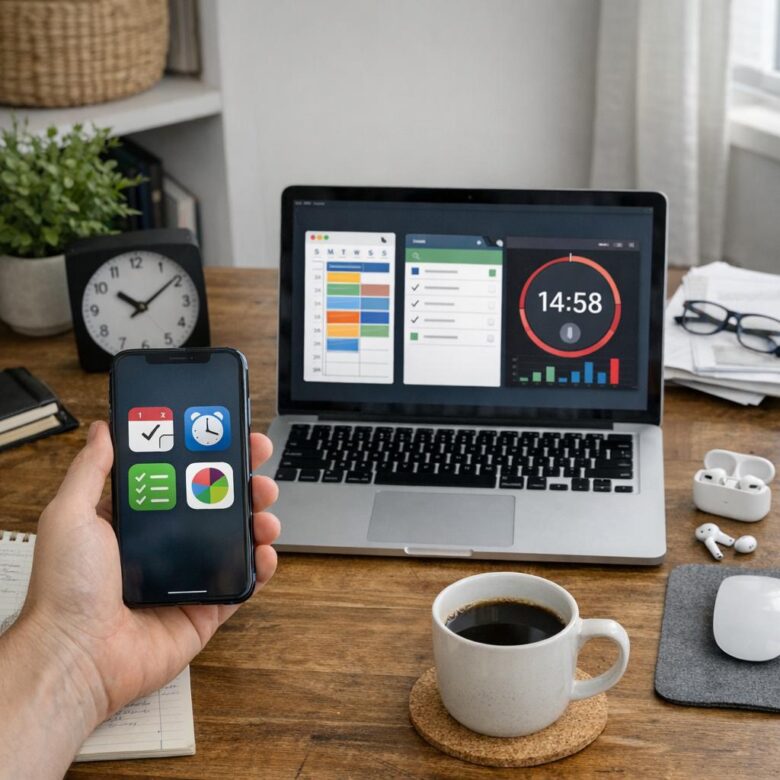
The right time management app can help you plan your day, protect deep work, track where your hours actually go, and stop small tasks from swallowing your schedule.
In this guide, we’ll look at the best apps for time management when working from home, from simple task planners to focus timers, calendar tools, and productivity trackers built for remote work.
What Makes a Time Management App Effective for Remote Work?
An effective time management app for remote work does more than count hours. It helps you see where your workday actually goes, especially when meetings, Slack messages, household interruptions, and deep-focus tasks all compete for attention.
The best tools combine time tracking, task planning, calendar integration, and simple reporting. For example, if you use Toggl Track with Google Calendar, you can compare your planned schedule with your actual work time and quickly spot problems like underpriced client projects or too many low-value admin tasks.
Look for features that support real remote-work situations, not just office-style monitoring:
- Automatic time tracking: useful for freelancers, consultants, and remote employees who switch between clients, apps, or projects.
- Project and task breakdowns: helps measure billable hours, project cost, and productivity without relying on memory.
- Cross-device access: important if you move between a laptop, phone, tablet, or shared home office setup.
In practice, the most valuable app is the one you will actually keep using. A tool with clean dashboards, fair pricing, reliable mobile apps, and integrations with platforms like Asana, Trello, Microsoft Teams, or QuickBooks can save more time than a complicated system packed with features you ignore.
One real-world test is simple: after one week, can you clearly identify your most profitable tasks, your biggest distractions, and your peak focus hours? If the app answers those questions without adding extra stress, it is a strong fit for working from home.
Best Work-From-Home Time Management Apps by Use Case
The best work-from-home time management app depends on what is actually costing you time: distractions, poor planning, unclear billing, or too many meetings. In real remote teams, I’ve seen people switch tools too quickly when the real issue was choosing an app that didn’t match their workflow.
- Best for tracking billable hours: Toggl Track is ideal for freelancers, consultants, and agencies that need accurate timesheets, project reporting, and client billing records.
- Best for deep focus: Forest or Freedom helps block distracting websites and apps, which is useful if social media or news sites interrupt your workday.
- Best for team task management: Asana, Trello, or ClickUp works well for remote teams managing deadlines, approvals, recurring tasks, and shared project timelines.
For example, a freelance designer working from home may use Toggl Track to separate logo design, revisions, and client calls, then export reports for invoicing. That small habit can reduce payment disputes and make monthly income tracking much easier.
If your work involves meetings, choose a calendar-based tool like Google Calendar or Motion to protect focus blocks between calls. If your problem is task overload, a project management platform with reminders, priorities, and integrations will usually offer better long-term benefits than a simple timer app.
Before paying for premium plans, test the free version for at least one full workweek. The right app should reduce admin time, improve accountability, and fit naturally with the devices and services you already use.
How to Build a Smarter Remote Work Routine Using Time Tracking, Automation, and Focus Tools
A smarter remote work routine starts by separating “being online” from doing valuable work. Use a time tracking app like Toggl Track, Clockify, or RescueTime for one week to see where your hours actually go, including meetings, admin tasks, deep work, and distractions.
The goal is not to monitor every second. It is to identify patterns that affect productivity, billable hours, project costs, and work-life balance. For example, a freelance designer may discover that client revisions take twice as long as expected, then adjust pricing, deadlines, or project management workflows accordingly.
- Track: Log work by client, project, or task category to understand your real workload.
- Automate: Use tools like Zapier or Make to connect calendars, invoices, task managers, and cloud storage.
- Focus: Block distractions with apps like Freedom or use focus sessions in Todoist or Microsoft To Do.
A practical setup is to plan your top three tasks in the morning, track only active work sessions, and automate repetitive follow-ups such as status updates or file reminders. This keeps your system lightweight, which matters because overly complex productivity software often becomes another task to manage.
One useful rule from real remote work is to review your data every Friday, not every hour. Look for expensive time leaks: unnecessary video meetings, manual reporting, scattered communication, or low-value tasks that could be automated, delegated, or scheduled in batches.
The Bottom Line on Best Apps for Time Management When Working From Home
The best time management app is the one that removes friction from your workday. If your main challenge is distraction, choose a focus or blocking tool. If tasks feel scattered, use a planner or project management app. If you are unsure where time goes, start with time tracking.
For most remote workers, the smartest approach is to keep the setup simple: one app for planning, one for focus, and one for reviewing progress. Test a tool for a week, keep what improves your routine, and drop anything that adds extra work.

Dr. Adrian Whitmore is an AI productivity specialist focused on helping professionals use artificial intelligence to work faster, organize tasks, and improve digital workflows. Through Asahi AI Works, he shares practical insights on AI tools, automation, smarter planning, and modern productivity strategies.